Observability Overview
This page is your map of monitoring in Okareo: what observability means here, the main pieces (monitors, checks, notifications, reports), and where to go next. For the full getting-started guide with setup steps and concepts like issues vs. errors, see Getting Started with Real-Time Monitoring.
Monitor and understand your voice and LLM agents in real time—not just that they ran, but how they behaved and why something went wrong.
What is Observability in Okareo?
In Okareo, observability means full visibility into your agents’ behavior: every request and response is inspected, evaluated against your rules (checks), and available for replay and analysis. You see not only what happened (e.g. “the model returned text”) but whether it stayed in scope, completed the task, and avoided the failures you care about. That applies to voice sessions, chat, function-calling agents, and RAG pipelines—all in one place.
Traditional logging and tracing tell you that a function was called or a span completed. They don’t tell you that the agent promised a refund it wasn’t allowed to give, or that it drifted off-topic. Okareo’s observability is built for behavior: real-time evaluation, replay with full context, and alerts when checks fail.
Key Components
| Component | What it does |
|---|---|
| Real-Time Monitoring | Inspects live traffic (via proxy, OTel, or API), runs checks on each interaction, and records issues and errors for replay. |
| Checks | Criteria that score or pass/fail each response (e.g. scope compliance, factuality, task completion). Built-in and custom. |
| Monitors | Conditions that define which traffic is evaluated and which checks run. Monitors are the link between your data and your alerts. |
| Notifications | Alerts (e.g. Slack, email) when a monitor fires, so the right team can triage and open the replay. |
| Reports & Dashboards | Where you see runs, test results, trends, and issue lists—evaluation history and monitoring outcomes in one place. |
Together, these give you: ingest (proxy/OTel/API) → evaluate (checks + monitors) → alert (notifications) → review (reports and replay).
Why Observability Matters
Voice and LLM agents often fail in ways that don’t throw errors:
- Behavioral issues — The model said something out of scope, gave bad advice, or skipped a required step.
- Silent degradation — Quality drifts over time without any change in code.
- No root cause — Without a replay of the full conversation and tool use, you can’t see why the agent did what it did.
Okareo’s observability helps you catch these issues as they happen, replay them with full context (prompts, tools, memory), and fix or guard against them before they affect more users. For concrete examples (refunds, replays, scope violations), see Getting Started with Real-Time Monitoring.
Getting Started
- Connect your app — Use the Okareo proxy (or OTel/API) so Okareo receives your LLM/voice traffic. See Setting Up Monitoring.
- Define what to watch — Create Monitors and choose which Checks to run (scope, factuality, custom rules).
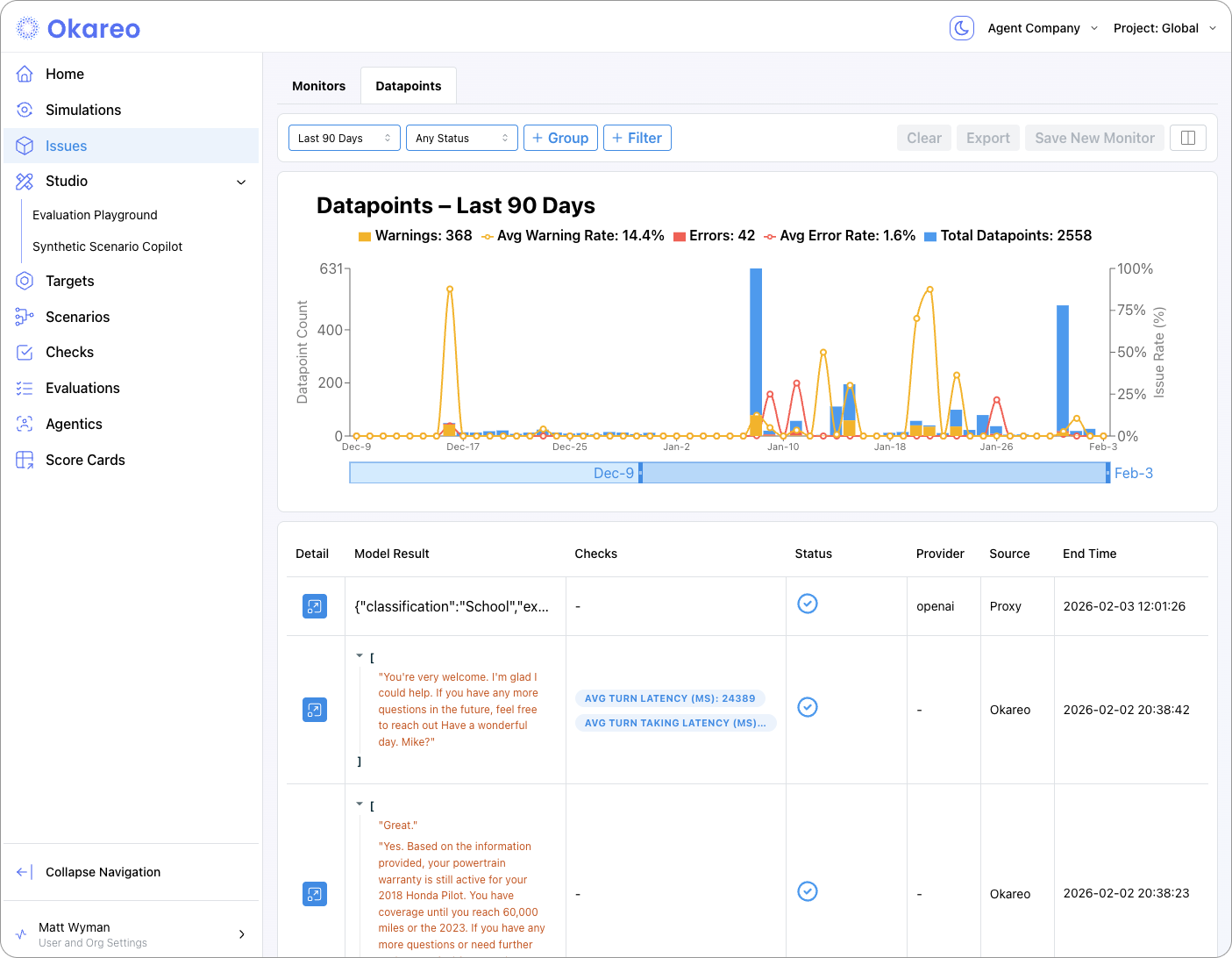
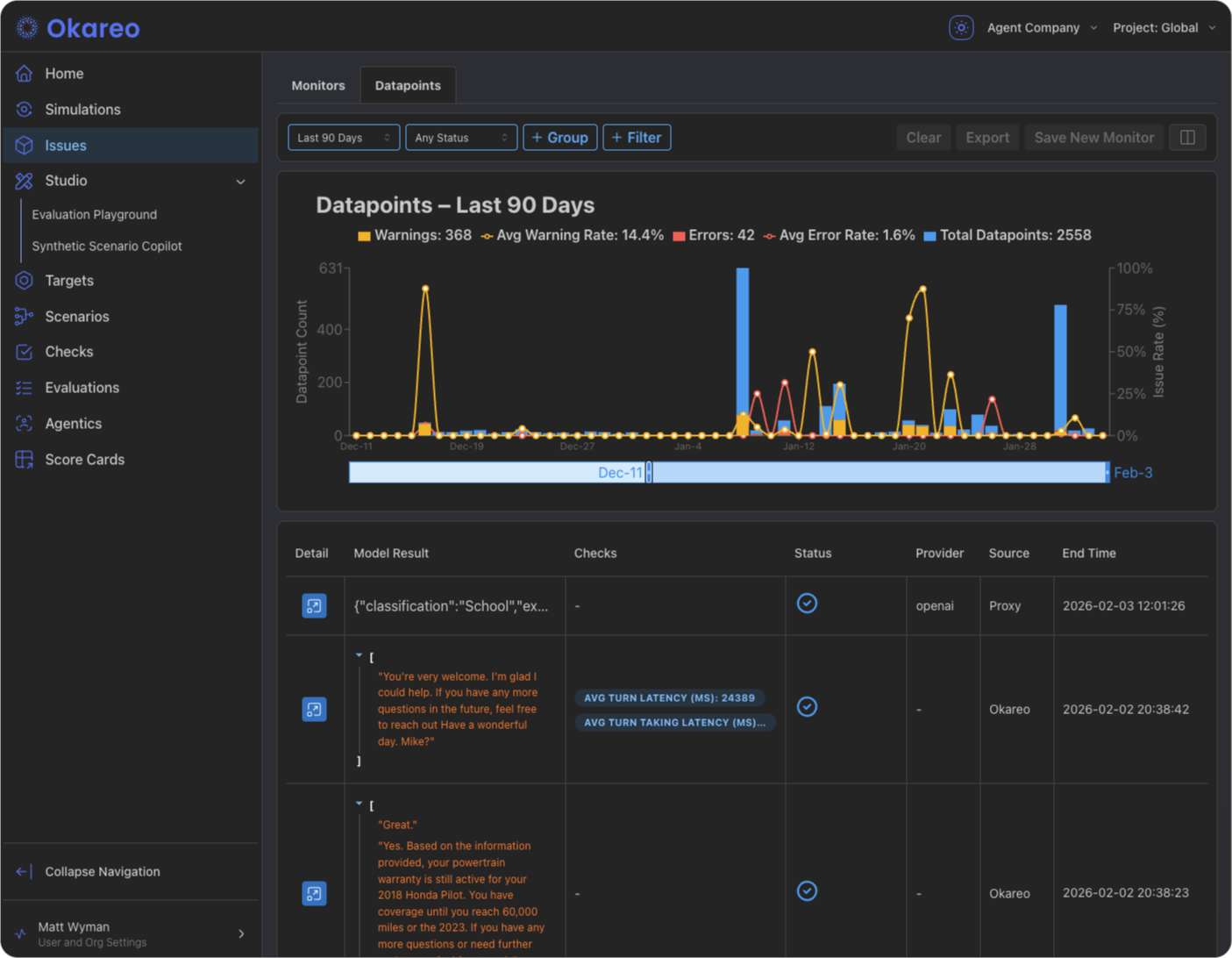
- Monitor live — Traffic is evaluated in real time; issues and errors appear under Issues and in Reports.
- Get alerted — Configure notifications (Slack, email) so your team is notified when a monitor fires.
Next Steps
- Start here: Getting Started with Real-Time Monitoring — Why teams use it, how it works (proxy/OTel), and issues vs. errors.
- Setting Up Monitoring — Proxy, monitors, and checks.
- OpenTelemetry Tracing — Send OTEL traces directly and link them to simulations.
- Notifications — Slack and email alerts.
- Reports and Dashboards — Where to see runs, metrics, and issues.